
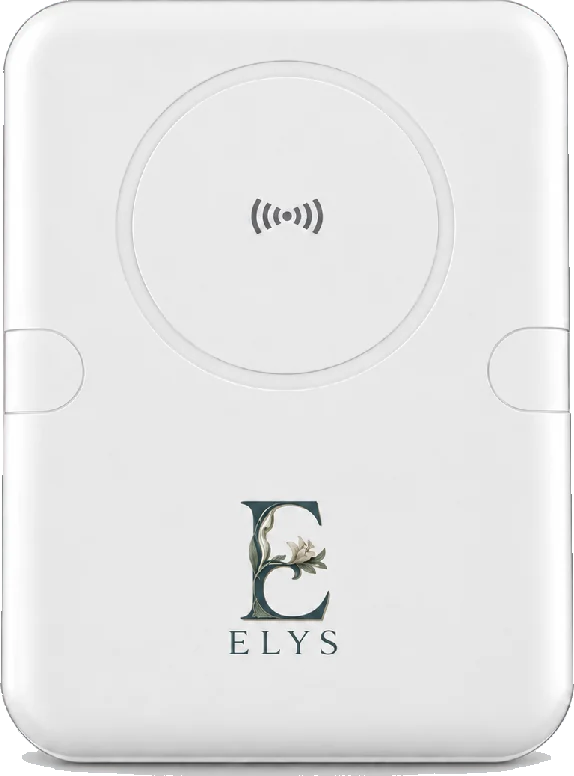
Discreet vigilance. An alert that does not stop at the notification.
Elys detects falls and abnormal positions in equipped rooms, with no camera, no microphone and no device to wear.The follow-up reminders continue until someone reports taking charge of the alert.
The sensor detects. Elys organises the information and the response. Detection of falls and abnormal positions, alerts to designated people, SMS messages, automatic calls, follow-up reminders and history: Méditrine SA designed Elys to turn events detected in equipped rooms into useful information for loved ones and care teams.
How an alert unfolds
- DetectionA fall or an abnormal position, in an equipped room.
- AlertTo the designated contacts in the app; if no one has declared taking charge, by text message and automatic call.
- Declared taking chargeA contact declares “I’m on it”; until then, the reminders continue.
- HistoryThe timeline remains available according to access rights.
In three steps.
- 01
The installation adapts to the place.
We assess the rooms to be equipped and the actual layout of the spaces. Elys provides vigilance within its equipped area; rooms that are not equipped are not covered by the service.
- 02
The alert reaches the people concerned.
A notification in the app, then, if nobody reports taking charge, SMS and automatic calls to the selected numbers. The call states the location concerned. The follow-up reminders continue until a contact reports “I’m on it”.
- 03
People decide what happens next.
The person or team alerted assesses the situation and organises what is needed. “I’m on it” and “Resolved” are two actions reported in the app; on their own, they do not prove a physical intervention.
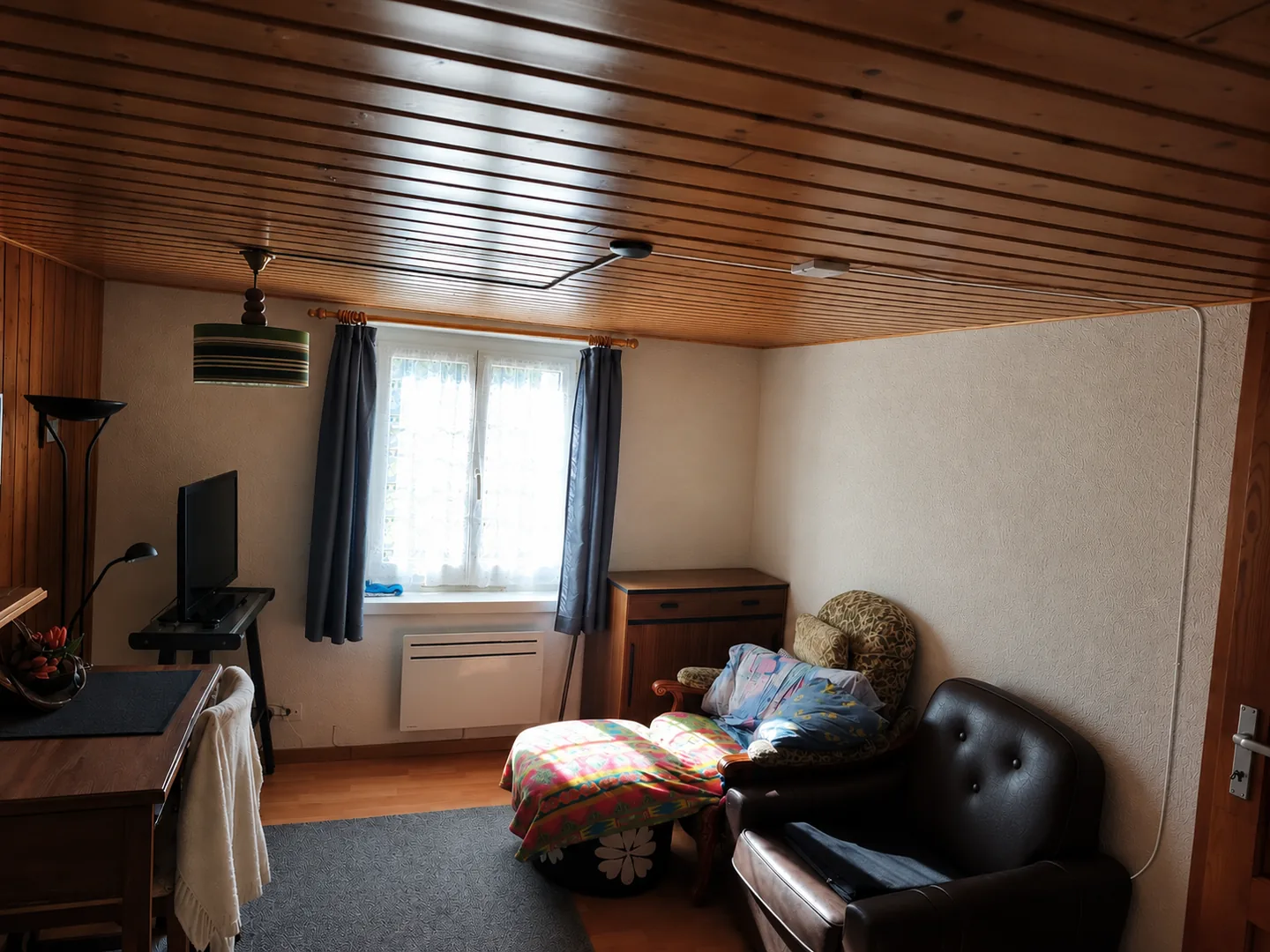


Elys technology
How Elys detects falls without a camera.
The Elys sensor uses 4D millimetre-wave radar to detect falls, abnormal positions and signs of presence in equipped rooms. It does not need to film, to record conversations or to ask the person to wear a device. Its ability to detect does not depend on light: it also works in the dark.
Méditrine SA integrates this technology into its Elys platform. When a situation is reported, Elys locates it and passes the information on to the designated people. If no one confirms they are taking charge after the notification, SMS messages and automatic calls take over. The calls are repeated until someone confirms they are taking charge; the history keeps each step available for consultation, according to access permissions.
24 hours a day
Radar detection that works day and night, even without light.
Like any connected system, Elys depends on the installation’s power supply and connectivity to transmit information.

Detect without filming.
The radar analyses movement and presence information in the equipped spaces; it uses no camera and no microphone.
Inform the right people.
At home, several consenting relatives or care providers can be chosen. In an institution, alerts are sent to the designated care staff.
Support the response.
Elys organises the notifications and follow-up reminders, then keeps the timeline of the declared actions. Hands-on help is still provided by the people concerned.
Questions about the technology
How does the radar work at night?
Radar detection does not depend on visible light. The sensor can therefore work day and night in the equipped spaces, provided the installation is powered and connected. The availability of the hotline is separate from the automatic operation of the system.
Does the radar film or record conversations?
No. Elys uses neither a camera nor a microphone to detect events. The information needed for vigilance and for the alert timeline is nonetheless personal data, protected by access and confidentiality rules.
Can Elys replace a personal alarm linked to an alarm centre?
The two approaches meet different needs. Elys detects situations in the equipped rooms and informs the designated contacts without anyone having to press a button. It has no response centre that sends someone to the scene.
Understanding the solutions
Fall detection without a camera: what sets Elys apart.
Not all alert solutions work on the same principle. Some require a button to be pressed, others analyse images or sound signals. Elys detects falls and abnormal positions with a sensor installed on the ceiling, with no camera, no microphone and nothing to wear. It then passes the alert on to the designated people and keeps sending reminders until someone confirms they are taking charge.
The comparison covers categories of devices, not a particular brand or model. Functions, limitations and response services differ from one solution to another.
Four approaches, compared criterion by criterion.
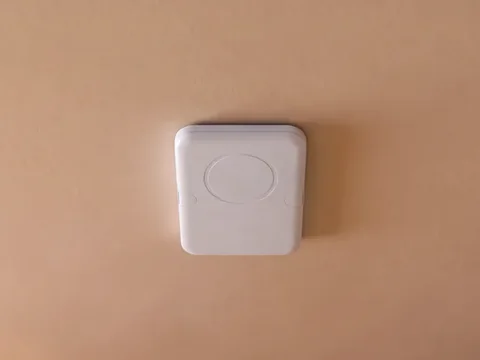 Elys, ceiling sensor
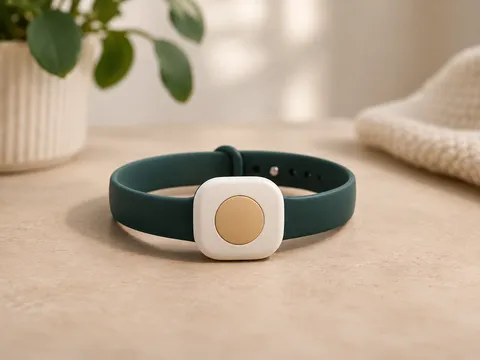 Manual alarm button
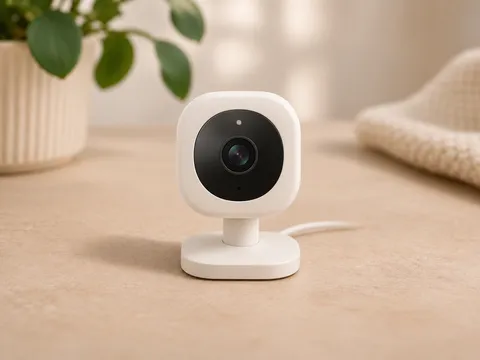 Camera-based solution
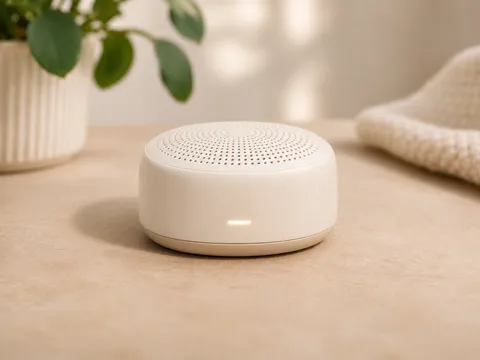 Acoustic device
Representative illustrations, including that of the Elys sensor on the ceiling. Features vary according to models, options and configurations.
And after detection?
At home, the chosen people can include children, relatives, neighbours and home care professionals who have accepted this role. In an institution, alerts are sent to the designated care staff. If no one has confirmed they are taking charge, Elys also uses SMS messages and automatic calls and keeps reminding the contacts. Elys is not an emergency response centre.
An alert is not enough. Someone still has to take charge of it.
Elys detects falls and abnormal positions in equipped rooms. The notification is sent in the app to the authorised people. If nobody reports taking charge, Elys contacts the selected numbers by SMS and automatic calls, states the room concerned and continues the follow-up reminders until a recipient indicates “I’m on it”.
At home. You choose several trusted contacts: a son or daughter, a relative, a neighbour or a home care professional who has agreed to take on this role. You do not depend on a single number.
In institutions. The designated carers receive the alerts and can organise the response according to their facility’s procedures.
A report of taking charge does not, on its own, attest to an intervention on site. Elys does not replace an emergency call centre.
- Fall or abnormal position detectedIn an equipped room.
- Notification in the appTo the designated contacts.
- If no one takes charge: text messages and callsTo all the selected numbers; the place concerned is stated.
- Reminders that continueElys keeps reminding the contacts as long as none of them has declared taking charge of the situation.
- “I’m on it”A recipient declares they are taking charge of the situation.
- “Resolved” and historyThe resolution is declared and the timeline remains available to view according to access rights.
See how Elys sends an alert.
A fall detected. The designated contacts informed. Follow-up reminders until a contact declares they are taking charge of the situation. Discover the process, step by step.
Interactive demonstration · fictitious scenario. No real message or call is sent.
The process in six steps
Step 1 of 6
Fall detected
Elys identifies a fall in an equipped room.
Step 2 of 6
Notification in the app
The designated contacts receive an Elys notification.
Step 3 of 6
Text messages and automatic calls
If no contact declares they are taking charge of the situation, Elys notifies all the selected numbers and states the room concerned.
Step 4 of 6
Elys keeps sending reminders
As long as no one declares “I’m on it”, Elys keeps reminding the designated contacts.
Step 5 of 6
“I’m on it”
A contact declares they are taking charge of the situation. The reminders for this alert stop.
Step 6 of 6
“Resolved” and history
The situation is declared resolved. The events and declared actions remain available to view according to the permissions granted.
Beyond the alert: a useful timeline.
Elys keeps a history of the events reported and of the steps reported by authorised people. This information can help loved ones or teams to piece together a timeline and to discuss the follow-up given. Elys does not make a medical diagnosis: the people concerned assess the context and make the decisions.
Every event and every declared action is time-stamped and kept in a secure history, designed so that any change is detectable.
The limits of the service, clearly explained.
- Vigilance covers the equipped spaces.
- It requires the planned power supply and connectivity.
- Elys does not identify people biometrically, does not know the medical cause of an event and replaces neither the emergency services nor a response centre.
- In an emergency in Switzerland, dial 144.
The simplest way is to see it for yourself.
We show you the journey of an alert and the information available, with fictitious examples and the limits of the service.